Openers · Whitchurch-Stouffville
Smart Garage Controller Setup in Whitchurch-Stouffville
You are twenty minutes down the highway when the thought lands: did the garage door close behind you?
In plain words
For a household here, the most valuable feature is often the simplest: a message that says the door has been open for ten minutes on a January night. A garage attached to the house shares a wall with living space, and sometimes a water line; a door left up drains heat and invites a frozen pipe. Setup in this climate also means small choices that last: the sensor is mounted the way its own instructions specify, its battery is a lithium cell that tolerates an unheated space, and an auto-close schedule is paired with a left-open alert, since a schedule only attempts the close and does not confirm it finished.
How the visit goesOne remote lives in a car you sold last spring. The other needs three presses from the driveway and its battery cover is taped on. Your phone is already in your hand when you pull in, and it would make a better opener.
Smart Garage Controller Setup
How the visit goes
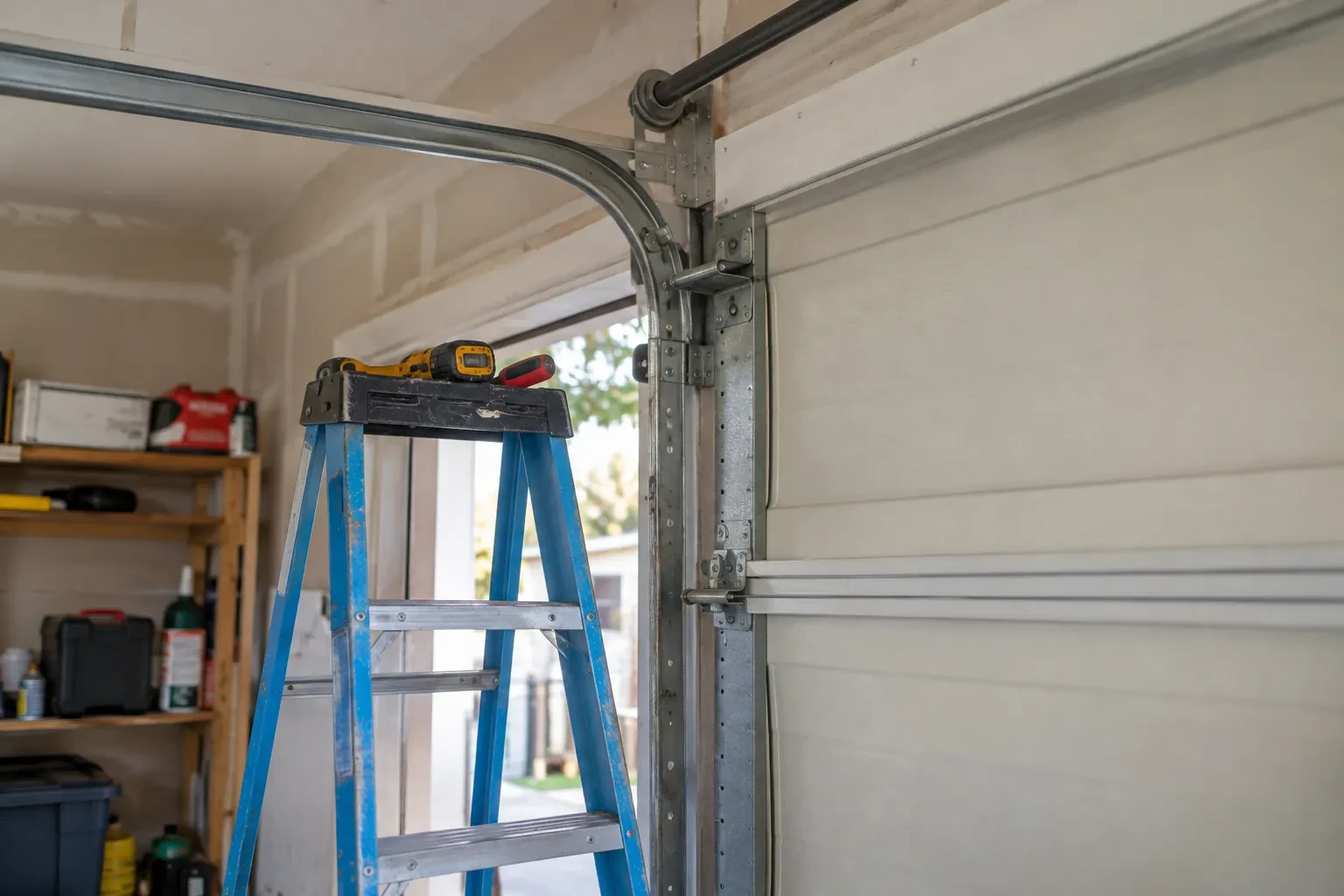
Where the sensor will sit
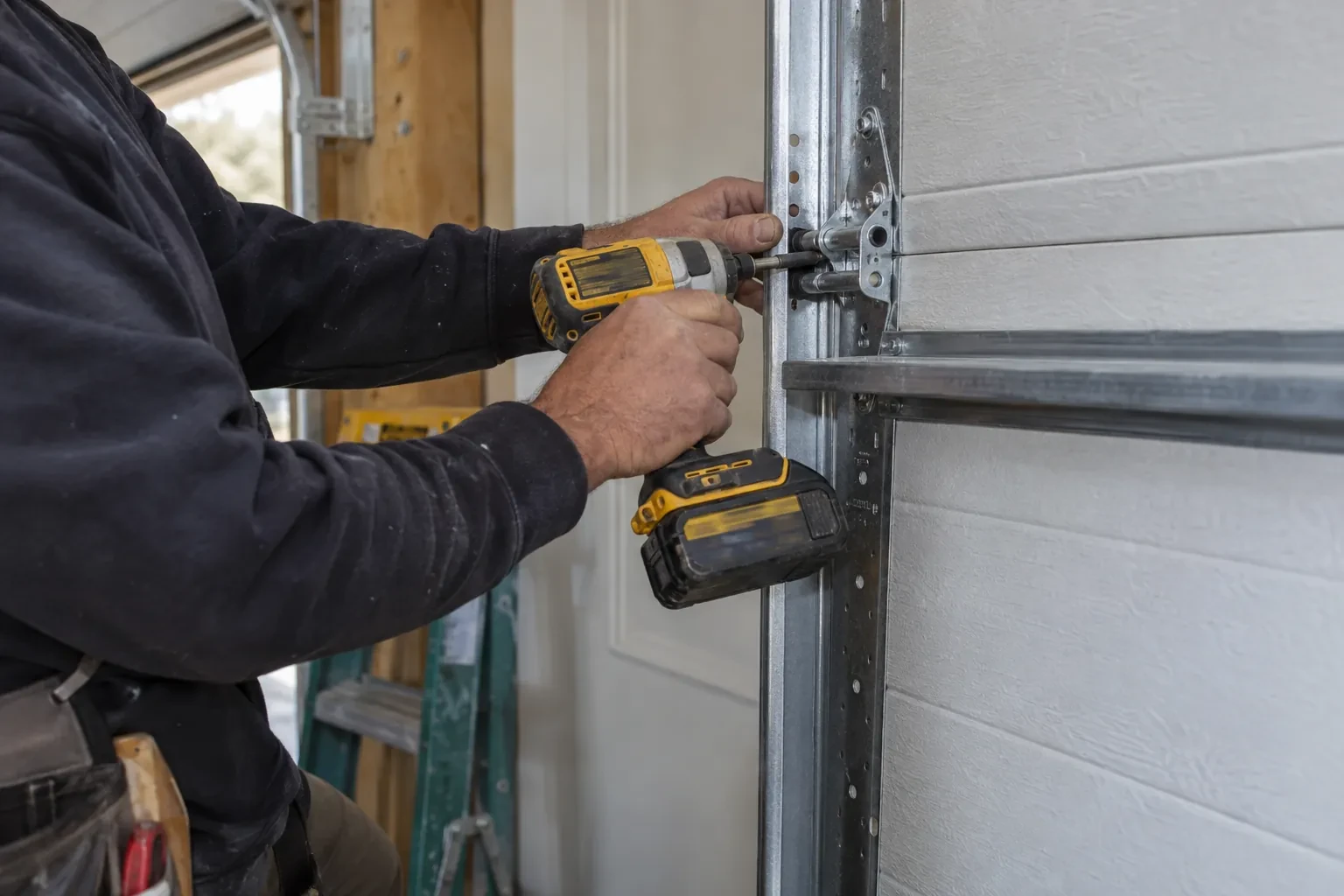
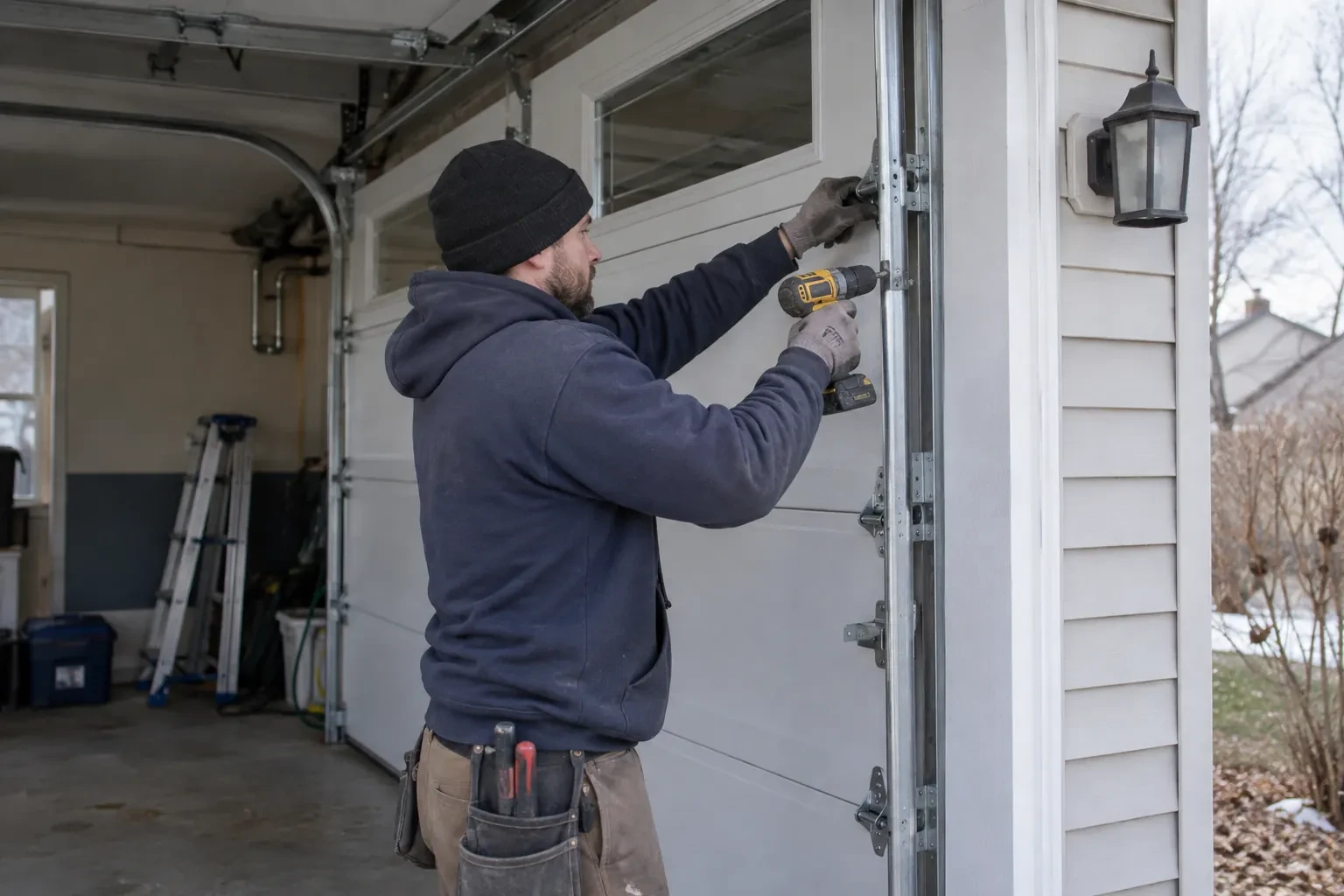
The door-position sensor works by tilt, so it belongs on the inside face of the top door section, near a hinge line and clear of the opener arm, the lock bar and any handle. The technician checks the panel surface, since insulated steel and raised-panel wood doors have different flat spots, and checks the distance and line of sight to the hub. Homes with two doors need a sensor on each. On a door with a window section the sensor is kept away from the glazing frame. The battery type is noted, and the mounting follows the sensor maker's specified fasteners for this climate: screws, an adhesive strip, or tape as a temporary step before screws.
Wiring a hub to the wall-control terminals
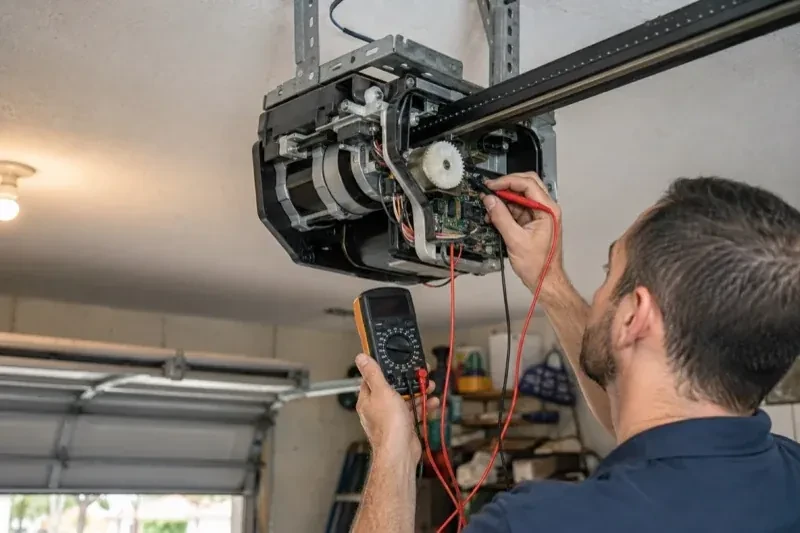
On openers that accept a simple push-button contact, the hub is connected with two lengths of low-voltage bell wire to the same terminals the wall console uses. The technician routes the wire along the rail or ceiling, clipped clear of the chain and trolley, and lands it neatly beside the existing console wires. Openers that use an encrypted wall console take a different route: either the hub pairs by radio, taught to the opener through the learn button like a new remote, or a small dry-contact adapter sits between them. Whichever applies, the wall console keeps working exactly as before, and the hub simply becomes one more way to give the same command.
Looking after the sensor battery
The door sensor runs on a small battery, typically a coin cell or a pair of cylindrical cells, that lasts a year or two in a heated garage and somewhat less in an unheated one. The app shows a battery indicator and sends a warning as it runs down, so it is rarely a surprise. Replacing it is a small job: pop the cover, swap the cell for the same type the maker specifies, and cycle the door once so the hub hears from the sensor again. Keeping a spare in a kitchen drawer means a low-battery notice on a Sunday morning is a footnote rather than a stopped feature.
Smart Garage Controller Setup
In the van
Wi-Fi access point or extender
Dry-contact adapter for encrypted openers
Replacement photo-eye pair
A 2x4 offcut for the reversal test
Retrofit smart hub
Smart Garage Controller Setup
What affects the quote
Users and devices to set up
Each family member's login, each phone that should receive alerts and each guest access is set up and tested individually, so say how many people are involved.
Ceiling height and access
A standard garage puts the head unit and the top door panel in easy ladder reach. High ceilings, storage lofts or a car that cannot move add setup time.
Cellular backup if the home Wi-Fi goes down
A hub that only works over Wi-Fi stops reporting the moment the internet drops, which matters most during a storm. A cellular backup module keeps alerts and remote closing working through an outage, and whether one is added is decided once the household's connectivity is reviewed.
What to have ready
- Are both photo-eye sensors near the floor lit steadily?
- Does your wall console have a digital display or just a button?
- How strong is your phone's Wi-Fi signal when you stand under the opener?
Smart Garage Controller Setup: questions
QuestionsWhere does the door sensor go, and what does it do?
It screws to the inside of the top door section and senses tilt: that panel stands vertical when the door is closed and lies horizontal once the door is open, and the sensor reports the change to the hub by short-range radio. It is placed clear of the opener arm, lock bar and handles, on a flat part of the panel, then paired and proven through full cycles under the maker's own setup procedure so the status in the app is reliable.
Can I give a contractor or cleaner access for a day?
Most apps allow guest or scheduled access: a user invited for a set window, or a one-time code, that expires on its own. That is a better arrangement than lending a remote or sharing the family keypad code, because there is nothing to chase back afterwards and the history shows exactly when the door was used. The technician shows you how to create and revoke such access during the visit.
The previous owner's controller is still on the ceiling. Can I use it?
Usually, once it is released from their account. If the seller can be reached, they remove the device from their app; if not, the technician performs a factory reset using the maker's documented steps, which clears the old registration. The hub and sensor are then paired fresh, joined to your network and claimed under your own login, and the battery and sensor placement are checked rather than assumed.