Openers · Ballantrae
Smart Garage Controller Setup in Ballantrae
You are twenty minutes down the highway when the thought lands: did the garage door close behind you?
In plain words
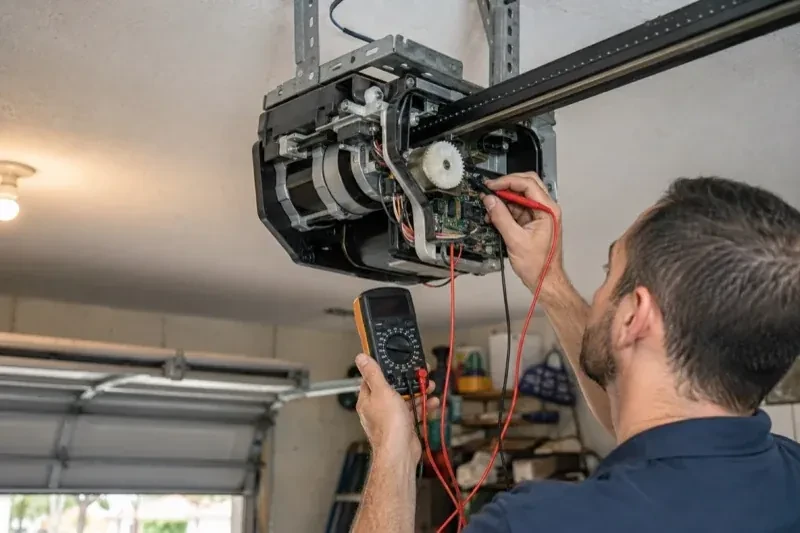
Smart garage controller setup gives your garage door a place in your phone: open, close, see whether it is up or down, and hear about it when something changes. Many openers made in the last several years carry a wireless radio inside the head unit that only needs switching on and joining to your network. Older openers take a small retrofit hub beside the motor and a battery sensor on the top door panel, which together tell the app what the door is doing and pass your commands to it. The technician works out which route fits your opener and completes it in one visit.
How the visit goesOne remote lives in a car you sold last spring. The other needs three presses from the driveway and its battery cover is taped on. Your phone is already in your hand when you pull in, and it would make a better opener.
Smart Garage Controller Setup
How the visit goes
Who owns the account and who needs in
The last check is about people. The technician asks who in the household will hold the main account, which email it should live under, and which family members need everyday access as users. Anyone who should have temporary access, a cleaner or a contractor, is noted so that access can be set to expire. If the property came with a controller already installed, the app is checked to see whether it is still registered to the seller, which decides whether a reset and fresh claim is needed. Knowing all this before the hardware goes up means the account is built correctly once, in your name, with no loose ends.
Mounting and teaching the door sensor
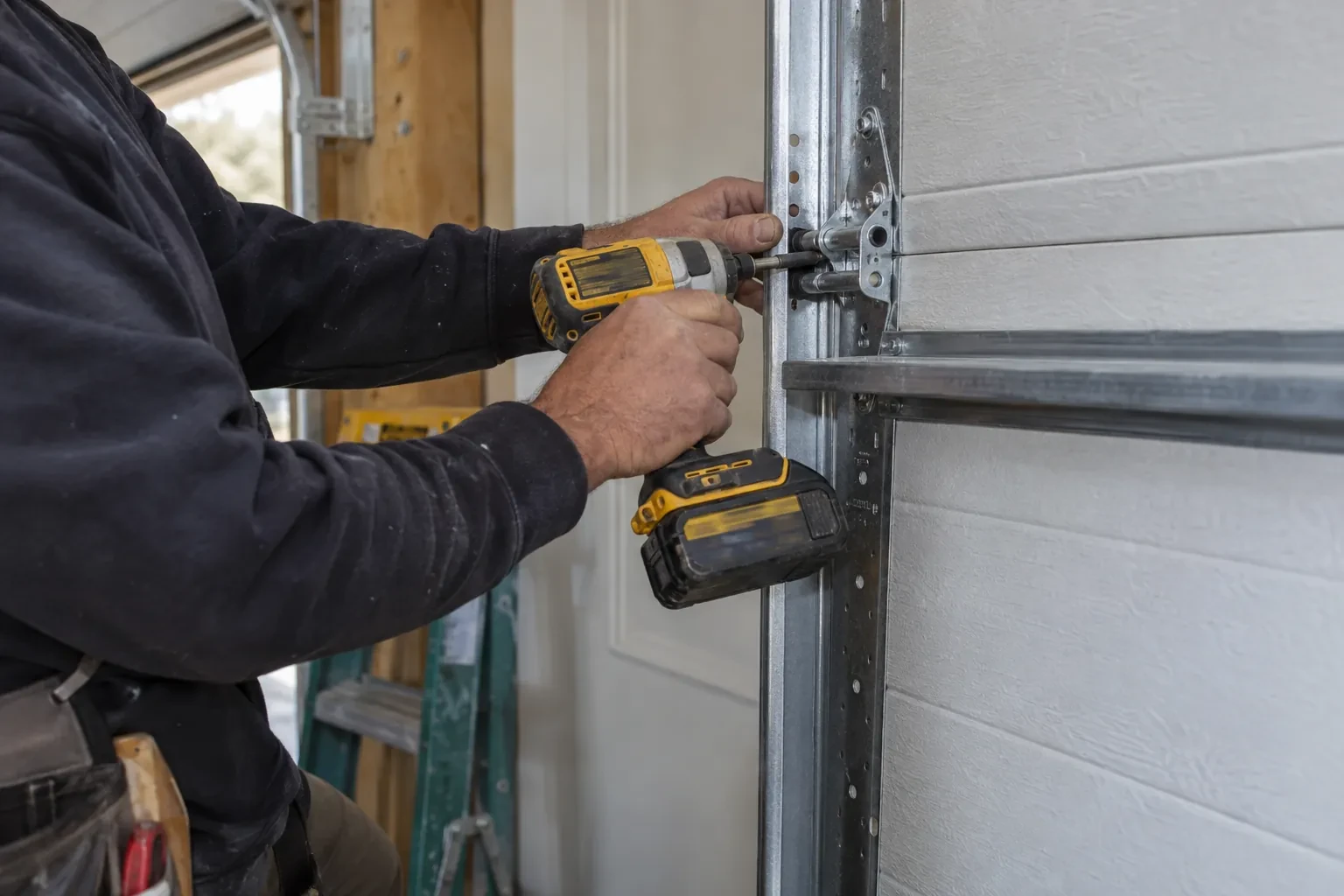
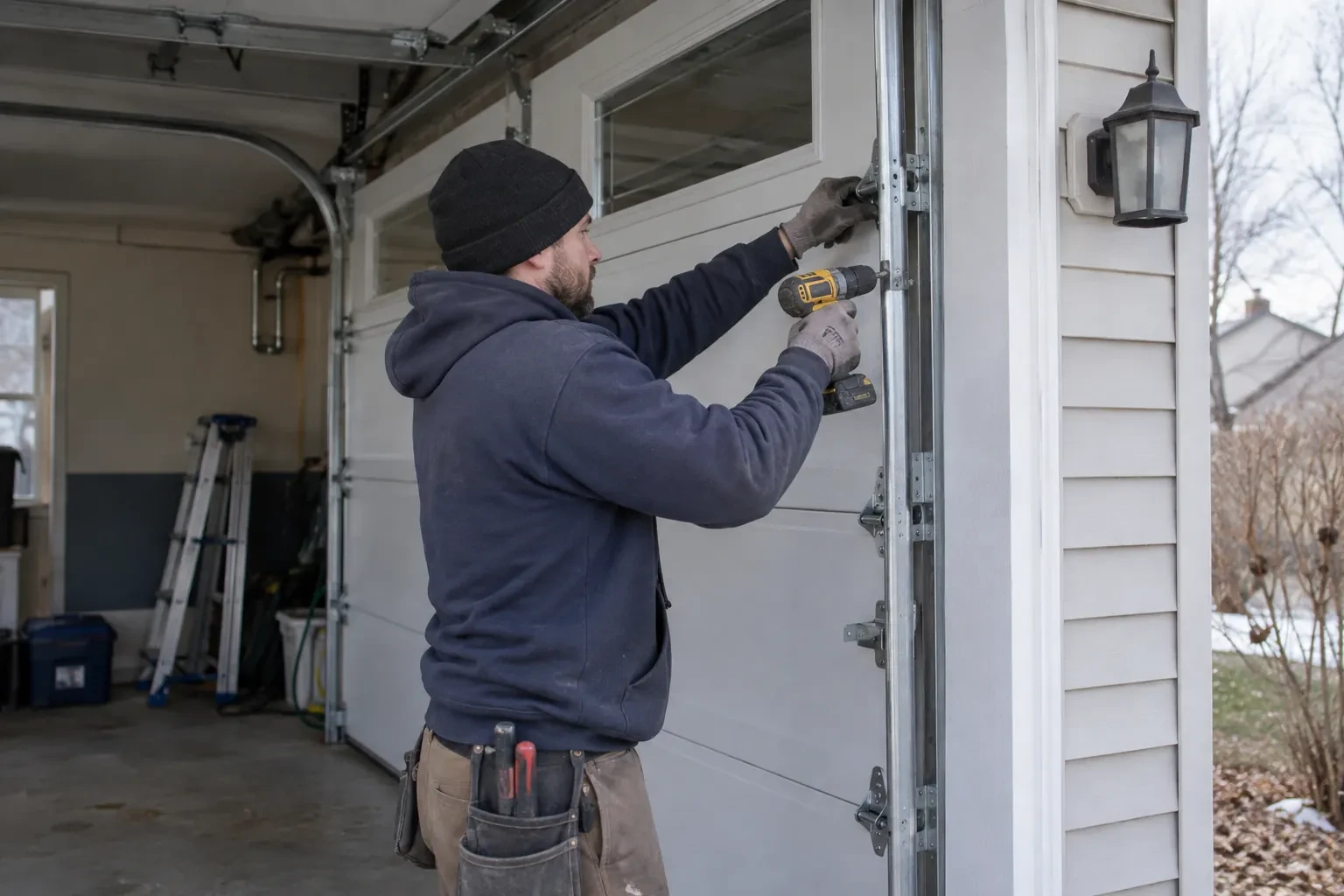
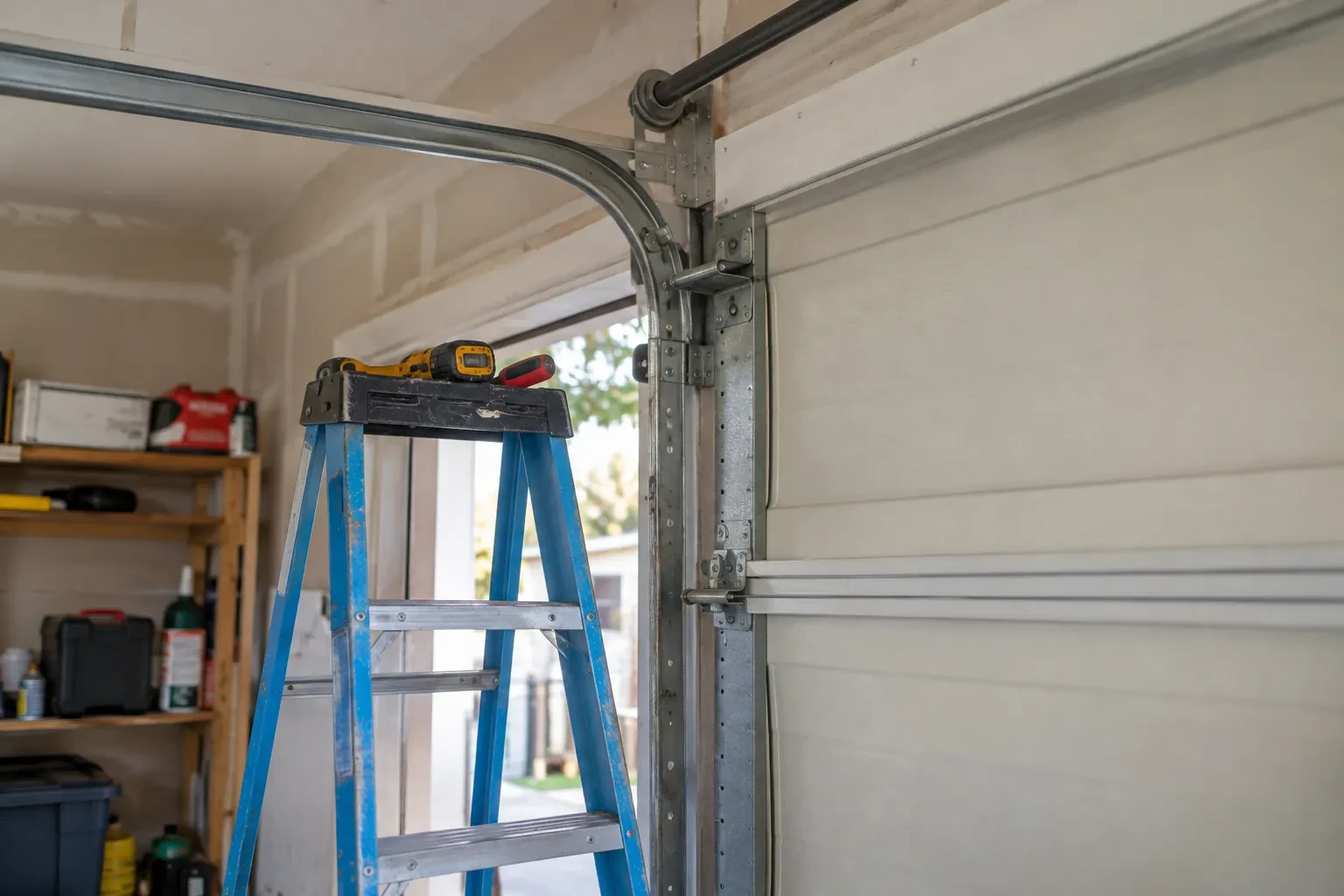
The sensor is fixed to the inside of the top door section with two screws, oriented the way its maker specifies so the tilt reading is unambiguous. Its battery goes in, and the hub is put into pairing mode to find it. The technician then follows the controller's own pairing procedure: some units come already programmed to their sensor and are simply verified through full cycles, others are taught the closed and open positions by cycling the door. Further cycles follow while the app is watched for the status to change within seconds of each end. A sensor that reports late or wrongly is repositioned rather than left to be second-guessed later.
The monthly tests still matter
Adding a controller changes nothing about the physical checks the door needs, and adds one. Each month, lay a 2x4 flat under the door centre and close it; it must reverse on contact. Break the photo-eye beam with a broom handle while closing; it must stop and rise. Then close the door from the app out of sight, and listen for the beeper and watch for the light before movement. If any of the three fails, stop using the opener, move the door by hand only if it must move, and have a technician correct it before the opener is used again. These tests take a couple of minutes and are why remote closing can be trusted.
Smart Garage Controller Setup
In the van
Wi-Fi access point or extender
Dry-contact adapter for encrypted openers
Replacement photo-eye pair
A 2x4 offcut for the reversal test
Retrofit smart hub
Smart Garage Controller Setup
What affects the quote
Taking over an existing device
Releasing a controller from a previous owner's account, resetting it and pairing it fresh takes time that a new device does not, and its sensor may need a battery or repositioning.
Photo eyes needing attention first
Remote closing requires a working sensor pair. Realigning a bracket is small; replacing a failed pair and running new wire is a separate item the technician names before starting.
Ceiling height and access
A standard garage puts the head unit and the top door panel in easy ladder reach. High ceilings, storage lofts or a car that cannot move add setup time.
What to have ready
- Is the garage attached to the house or detached?
- Are both photo-eye sensors near the floor lit steadily?
- Does your wall console have a digital display or just a button?
Smart Garage Controller Setup: questions
QuestionsWhere does the door sensor go, and what does it do?
It screws to the inside of the top door section and senses tilt: that panel stands vertical when the door is closed and lies horizontal once the door is open, and the sensor reports the change to the hub by short-range radio. It is placed clear of the opener arm, lock bar and handles, on a flat part of the panel, then paired and proven through full cycles under the maker's own setup procedure so the status in the app is reliable.
Can I give a contractor or cleaner access for a day?
Most apps allow guest or scheduled access: a user invited for a set window, or a one-time code, that expires on its own. That is a better arrangement than lending a remote or sharing the family keypad code, because there is nothing to chase back afterwards and the history shows exactly when the door was used. The technician shows you how to create and revoke such access during the visit.
The previous owner's controller is still on the ceiling. Can I use it?
Usually, once it is released from their account. If the seller can be reached, they remove the device from their app; if not, the technician performs a factory reset using the maker's documented steps, which clears the old registration. The hub and sensor are then paired fresh, joined to your network and claimed under your own login, and the battery and sensor placement are checked rather than assumed.